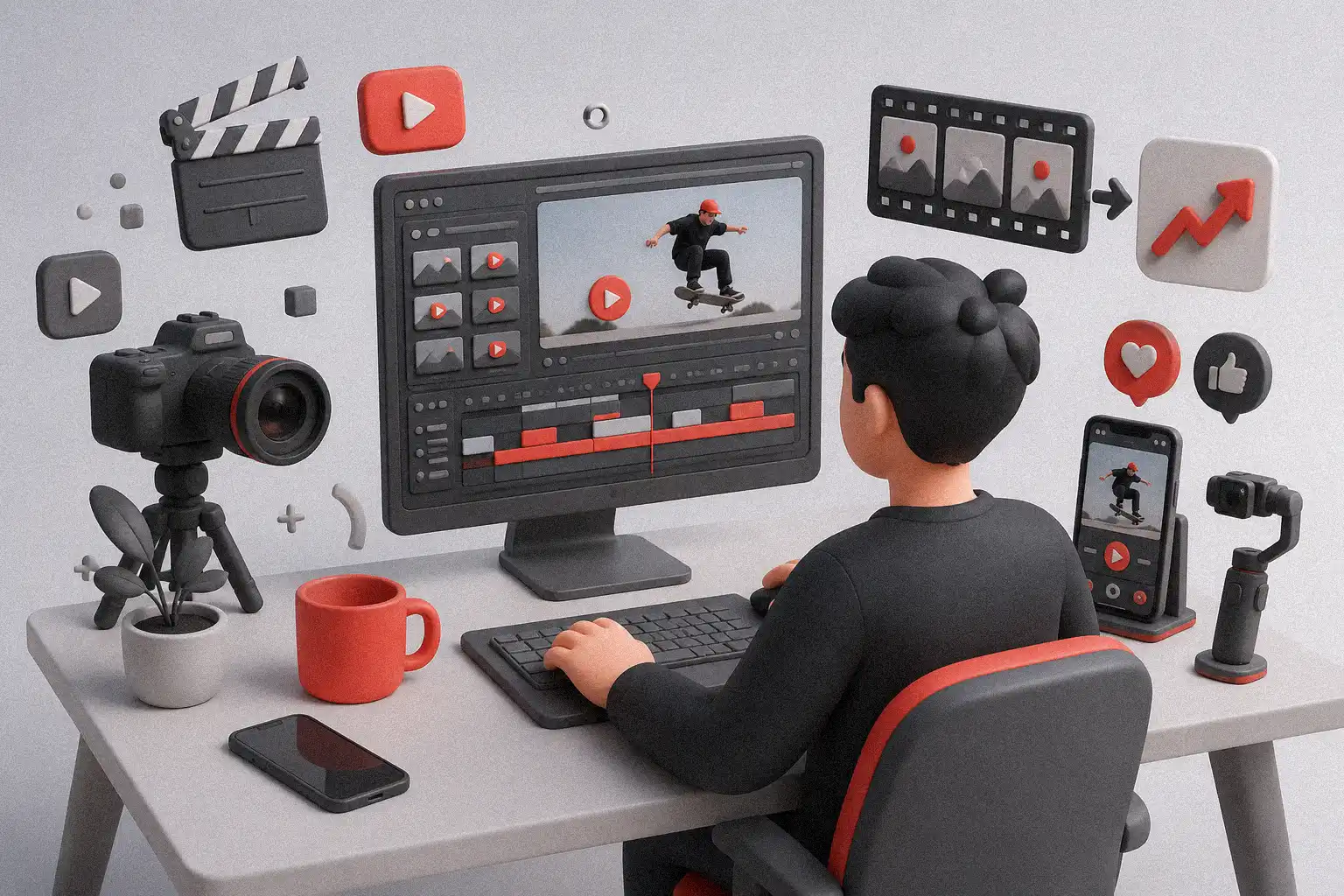
To turn raw footage into viral videos, creators need more than clean cuts and basic transitions. Raw clips may look messy at first, but with the right story, pacing, captions, sound, and visual direction, that footage can become content people want to watch, save, and share.
Table of Contents
- Start With the One Thing Your Video Must Say
- Build a Hook in the First Few Seconds
- Cut for Story, Not Just Cleanliness
- Shape the Pace With Intention
- Use Captions as a Design Element
- Make Sound Work Harder
- The Most Viral Fonts for TikTok Thumbnails and Reels in 2025 — Complete Guide for Creators
- Turn Raw Footage Into Viral Videos With Better Visual Flow
- Design a Thumbnail or Cover That Matches the Edit
- Edit for the Platform
- AI Branding Mistakes That Make Brands Forgettable
- From Our Desk
- Create a Repeatable Editing Workflow
- Fonts to Explore from Figuree Studio
- Dravonik – Bold Display Sans Serif
- Nordigh – Serif Display Font
- Break Fridays – Clean Bold Script
- Hadejah – Elegant Signature Font
- Kastroz – Luxury Vintage Serif Font
- Final Thoughts: Raw Footage Is Only the Start
It may look messy at first. Long takes. Awkward pauses. Repeated lines. Random background noise. Clips that feel too long, too flat, or too ordinary.
But that is normal.
Every strong video starts with material that needs shaping. The difference between forgettable content and share-worthy content often happens in the edit. Smart creators do not just cut clips together. They build rhythm, emotion, clarity, and momentum.
To turn raw footage into viral videos, you need more than basic trimming. You need a story. You need a strong hook. You need pacing that keeps viewers watching. You need visual decisions that make the content feel intentional.
Let’s break it down in a practical way.
Start With the One Thing Your Video Must Say
Before opening your editing software, ask one simple question:
What is the one thing this video should make people feel, learn, or do?
A viral video is rarely just a collection of clips. It usually has one clear idea.
Maybe the idea is:
“This product saves time.”
“This transformation is satisfying.”
“This behind-the-scenes process is worth watching.”
“This mistake is relatable.”
“This tip solves a real problem.”
When you know the core message, editing becomes easier. You can remove anything that does not support that message.
This is where many creators get stuck. They keep too much footage because they remember how hard it was to shoot. But viewers do not care how much footage you captured. They care about what the final video gives them.
So be honest. Keep the clips that move the story forward. Cut the ones that only fill space.
For more creator-focused content ideas, you can also read Figuree Studio’s article on Creative TikTok Video Ideas to Make Your Product Stand Out.
Build a Hook in the First Few Seconds
The first few seconds matter.
Your hook tells people why they should stay. It does not need to be loud, dramatic, or fake. It just needs to create curiosity quickly.
A good hook can be:
- A surprising result
- A bold statement
- A before-and-after shot
- A problem your audience knows well
- A visual moment that feels satisfying
- A question that opens a loop
For example, instead of starting with a long intro, show the final result first.
If your video is about editing a product shoot, open with the polished final clip. Then go back and show how it started as raw footage.
If your video is about a design process, start with the finished visual identity. Then reveal the messy sketch, the rejected versions, and the key decision that made it work.
Creators often think a hook has to be verbal. It does not. A strong visual hook can work even faster.
A close-up. A fast transformation. A clean motion cut. A bold title card. A funny facial expression. A satisfying sound.
The goal is simple: give viewers a reason to keep watching.
Cut for Story, Not Just Cleanliness
Basic editing removes mistakes.
Smart editing creates meaning.
That is the difference.
When you cut raw footage, do not only ask, “Is this clip clean?” Ask, “Does this clip help the story?”
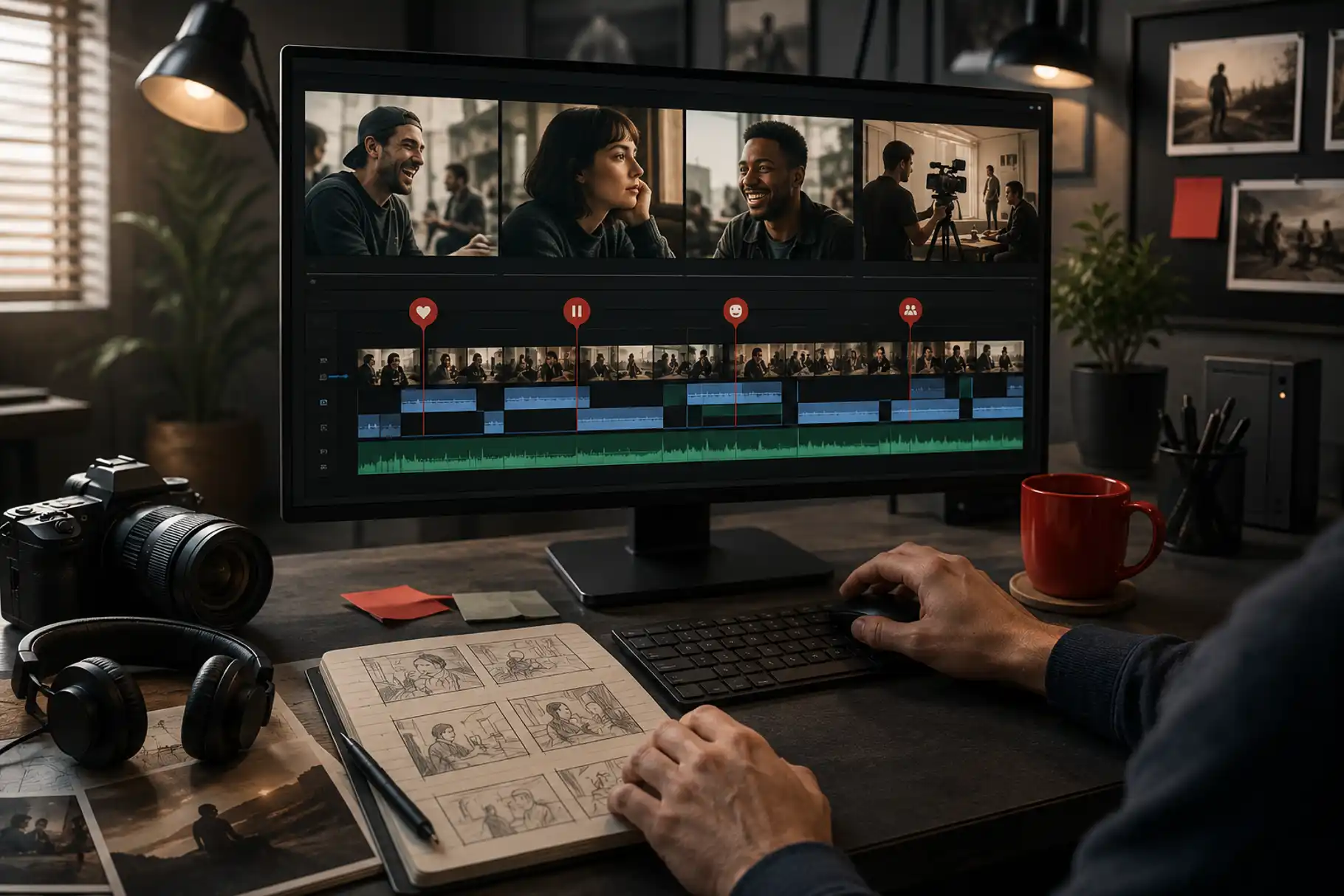
A clip can be technically imperfect but emotionally useful. A small laugh, a pause, a real reaction, or a behind-the-scenes moment can make the video feel human.
This is especially important for creators, freelancers, and small brands. People do not always share the most polished video. They share the one that feels clear, useful, funny, beautiful, or honest.
Walter Murch, the legendary film editor, is often connected with the “Rule of Six,” where emotion and story sit at the top of editing priorities. StudioBinder’s breakdown of Walter Murch’s Rule of Six is a helpful external reference if you want to understand why good editing is more than matching shots.
Shape the Pace With Intention
Pacing is one of the biggest reasons people keep watching or scroll away.
If your video feels too slow, viewers leave.
If it moves too fast, they get confused.
If every second feels the same, they lose interest.
Good pacing has contrast.
Use faster cuts when you want energy. Use slower moments when you want attention. Let important details breathe. Remove dead space where nothing changes.
A practical editing rhythm can look like this:
Open with impact.
Show the problem quickly.
Move into the process.
Add one or two satisfying details.
Reveal the result.
End with a clear takeaway.
For social media, you usually need tighter pacing. Remove long pauses. Cut repeated words. Shorten setup. Let visuals carry part of the message.
For YouTube or longer content, you can give the story more space. But the same rule still applies: every section needs a purpose.
YouTube’s own audience retention report helps creators see which parts of a video hold attention and where viewers drop off. That data can guide better editing decisions over time.
Use Captions as a Design Element
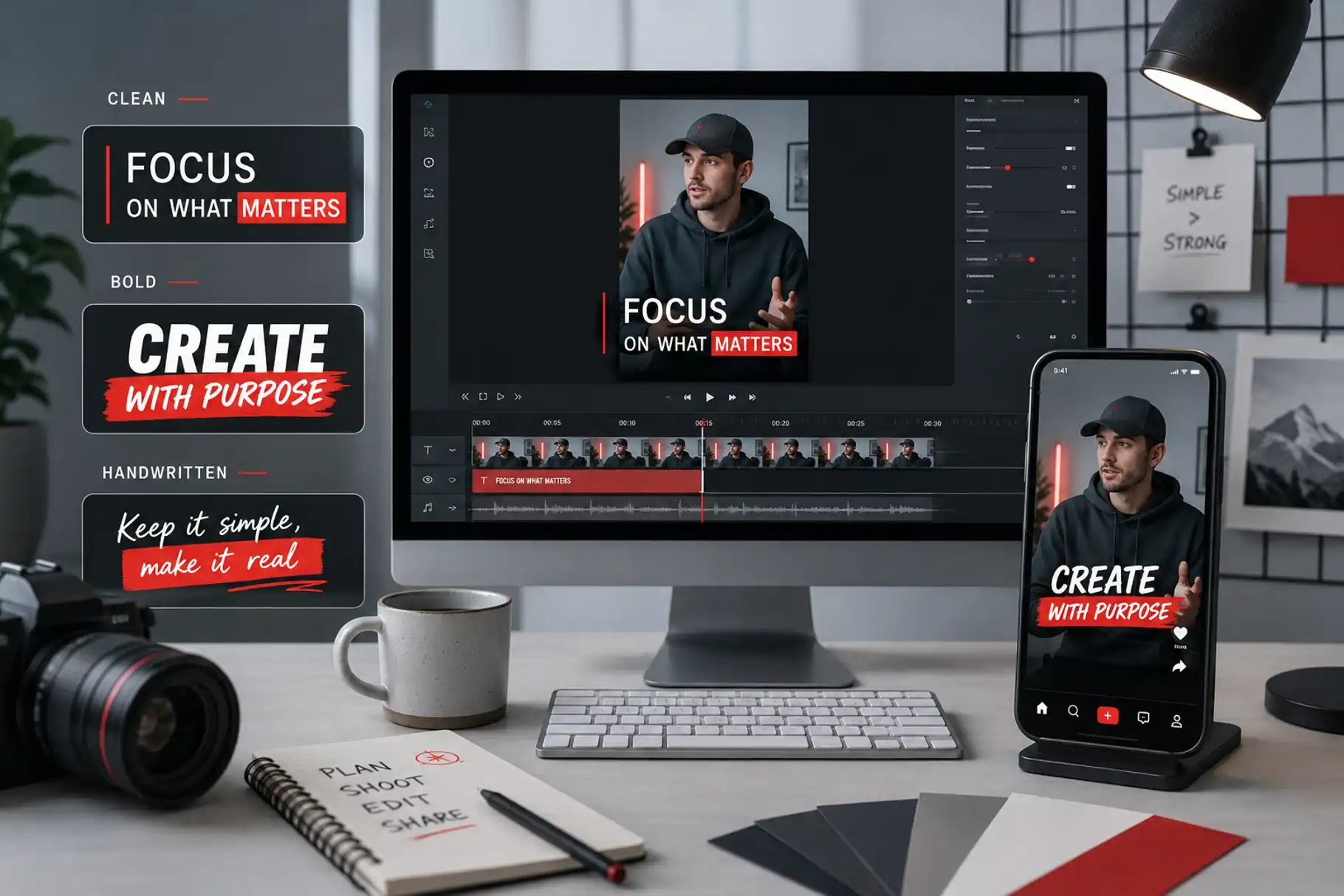
Captions are not only for accessibility. They also help viewers follow your content when they watch without sound.
But captions should not feel like an afterthought.
Use them with design intention. Keep them readable. Avoid tiny text. Use contrast. Match the caption style with your video personality.
For a clean creator tutorial, a simple sans serif works well. For a bold product reel, a strong display font can add attitude. For lifestyle content, a handwritten style may feel warmer and more personal.
Typography can make your video feel more branded, even when the edit is simple.
This is where creators can use fonts strategically. A strong type choice can turn a basic caption, intro card, or thumbnail into something more memorable.
Make Sound Work Harder
A video can look good but still feel flat if the sound is weak.
Sound creates pace. It adds texture. It makes cuts feel more satisfying.
Think about:
- Music rhythm
- Voice clarity
- Sound effects
- Room noise
- Transitions
- Silence
Silence is useful too. A short pause before the reveal can create tension. A clean sound effect can make a product moment feel premium. A subtle whoosh can help a motion cut feel smoother.
Do not overload your video with random effects. Use sound to support the story.
If the sound does not help the viewer understand, feel, or enjoy the video, remove it.
Turn Raw Footage Into Viral Videos With Better Visual Flow
Visual flow means the viewer always knows where to look.
This matters because messy footage can feel confusing. Too many angles, too many movements, and too many unrelated shots can make a video feel noisy.
To improve visual flow, look for patterns.
Cut from wide shot to close-up.
Move from problem to process.
Use repeated colors.
Match motion between clips.
Place text where the eye naturally lands.
Use contrast when you want attention.
You can also create flow through typography.
For example, use one font style for key points, one for small captions, and one for thumbnail or title graphics. Do not use too many fonts in one video. It can make the content feel unplanned.
A clean type system makes your video easier to watch.
Design a Thumbnail or Cover That Matches the Edit
A strong video needs a strong entry point.
For YouTube, that means a thumbnail. For TikTok, Reels, and Shorts, it may be the cover frame. For a portfolio or case study, it may be the first visual preview.
Your cover should communicate the video’s value quickly.
Use:
- A clear subject
- Strong contrast
- Minimal text
- Expressive typography
- One visual promise
Do not try to say everything. A good thumbnail or cover creates curiosity. The video delivers the answer.
For creators building branded content, typography is a big part of this. A bold display font can make a cover feel energetic. A clean sans serif can make it feel professional. A script or handwritten font can make it feel more personal.
If you are building video content for digital products, branding, or social media visuals, you may also like Figuree Studio’s article on Fonts and Imagery in Design: Your Ultimate Visual Storytelling Guide.
Edit for the Platform
Not every video should be edited the same way.
A TikTok video needs fast context.
An Instagram Reel needs visual clarity.
A YouTube Short needs a tight loop or strong payoff.
A long-form YouTube video needs stronger structure.
A product video needs clean detail and trust.
A portfolio video needs style and restraint.
Before final export, ask:
Where will this video live?
How will people discover it?
Will they watch with sound?
Is the format vertical, square, or horizontal?
Does the first frame make sense without context?
Editing for the platform does not mean chasing every trend. It means respecting how people watch.
A creator who understands viewing behavior can make better choices with timing, captions, pacing, and visual hierarchy.
From Our Desk
“Editing is not only about cutting. It is about choosing what deserves attention.”
That idea feels close to Walter Murch’s editing philosophy. In In the Blink of an Eye, he reminds editors to think beyond technical continuity and pay attention to emotion, story, rhythm, and the viewer’s eye.
For creators, this is a useful reminder.
Do not edit only to remove mistakes. Edit to guide attention. Edit to protect the main idea. Edit so the viewer feels invited, not dragged.
Raw footage becomes powerful when every cut has a reason.
Create a Repeatable Editing Workflow
Viral videos can look spontaneous, but strong creators usually have a system.
A simple raw footage editing workflow can look like this:
First, review everything without judging too quickly. Mark the best moments. Look for emotion, clarity, surprise, or useful information.
Second, build a rough story. Do not worry about perfect cuts yet. Just arrange the strongest clips in a logical order.
Third, tighten the pacing. Remove repetition. Cut long pauses. Keep only what supports the main idea.
Fourth, add captions, titles, sound, and motion. Make the video easier to follow.
Fifth, watch without sound. Then watch with sound. Then watch on your phone.
This last step matters. Most creator videos are watched on small screens. What looks clear on a desktop may feel crowded on mobile.
Fonts to Explore from Figuree Studio
Typography can help raw footage feel more branded, especially in captions, intro cards, thumbnails, lower thirds, and social media covers.
Here are a few Figuree font directions that can support creator videos:
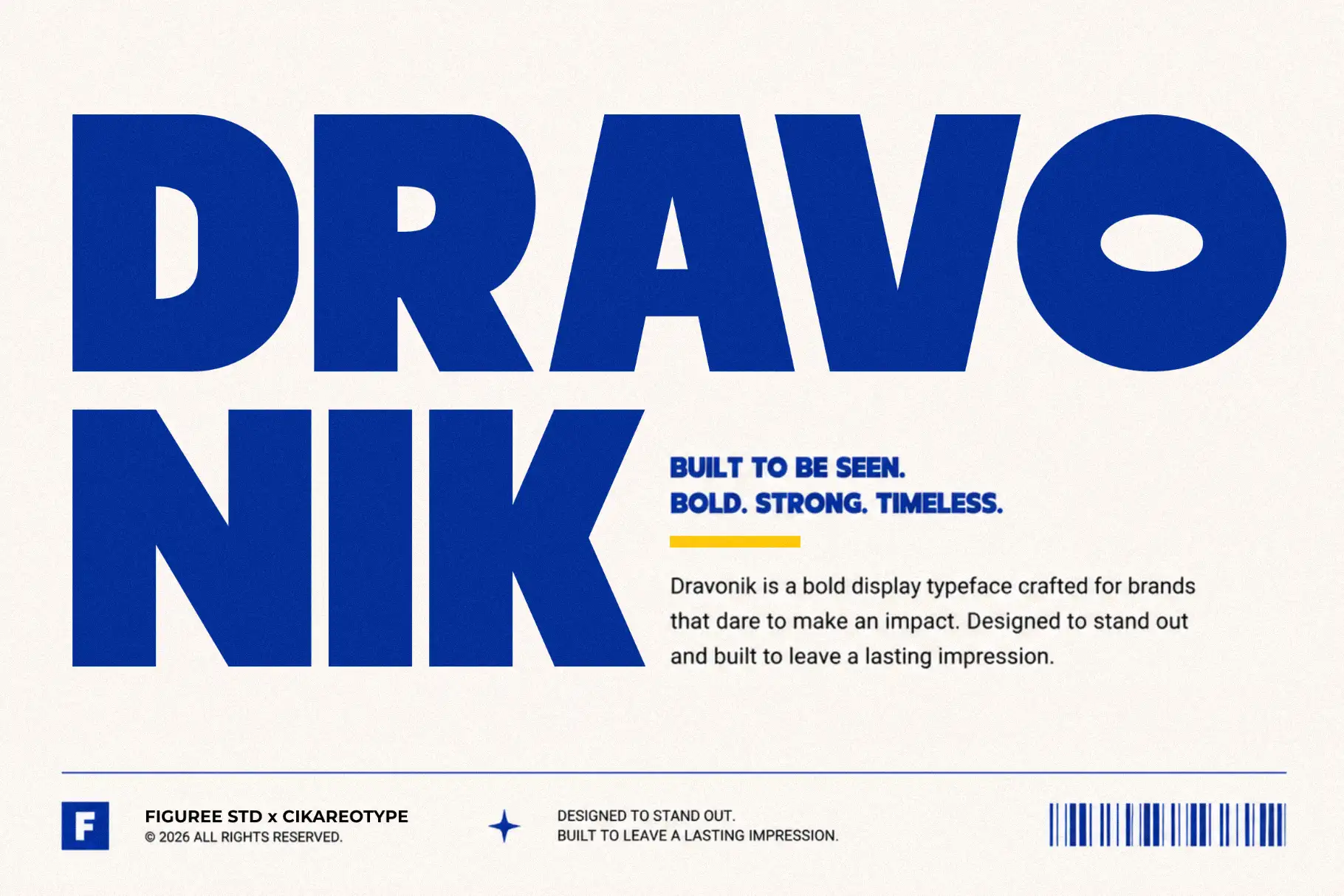
Dravonik – Bold Display Sans Serif
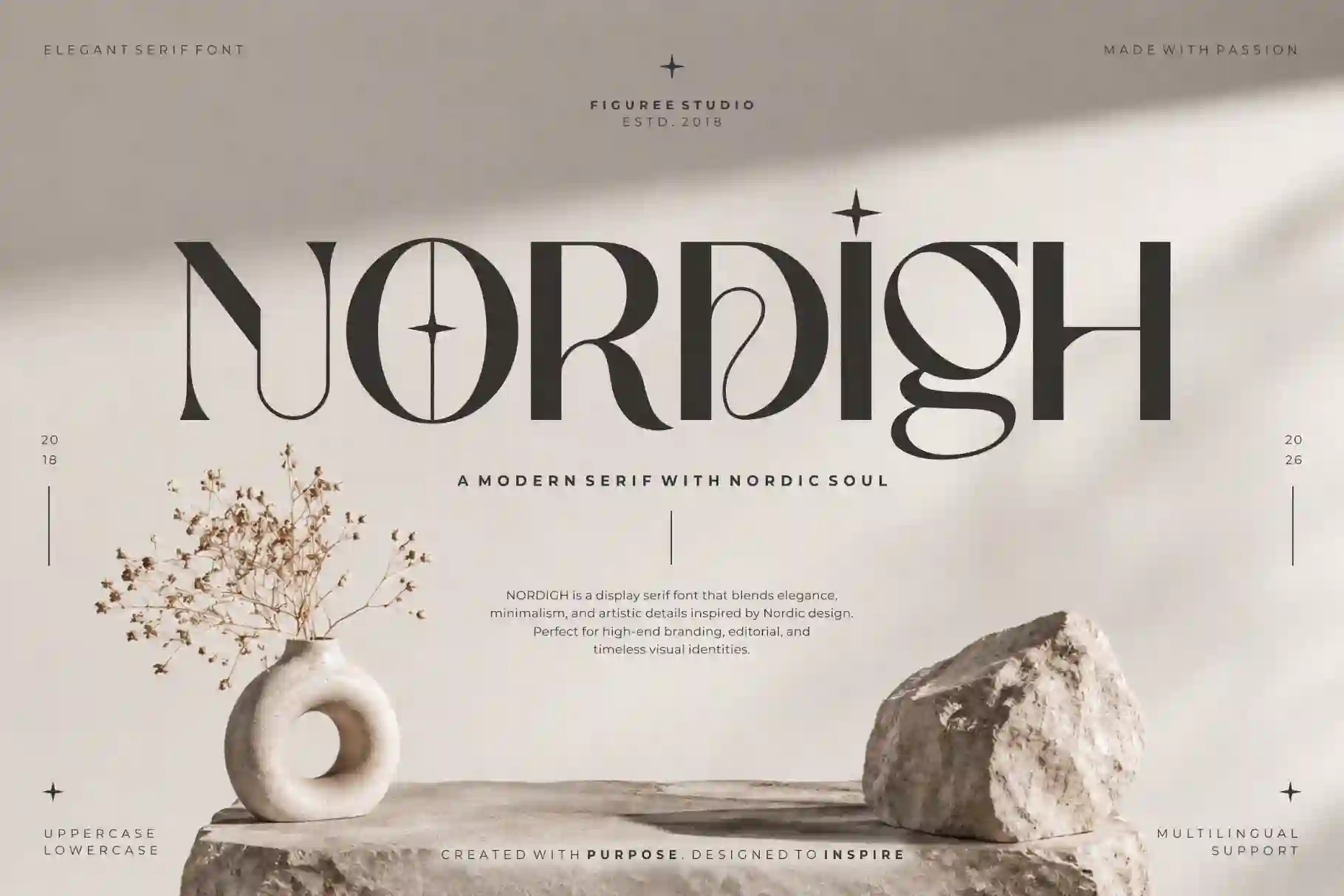
Nordigh – Serif Display Font
Break Fridays – Clean Bold Script

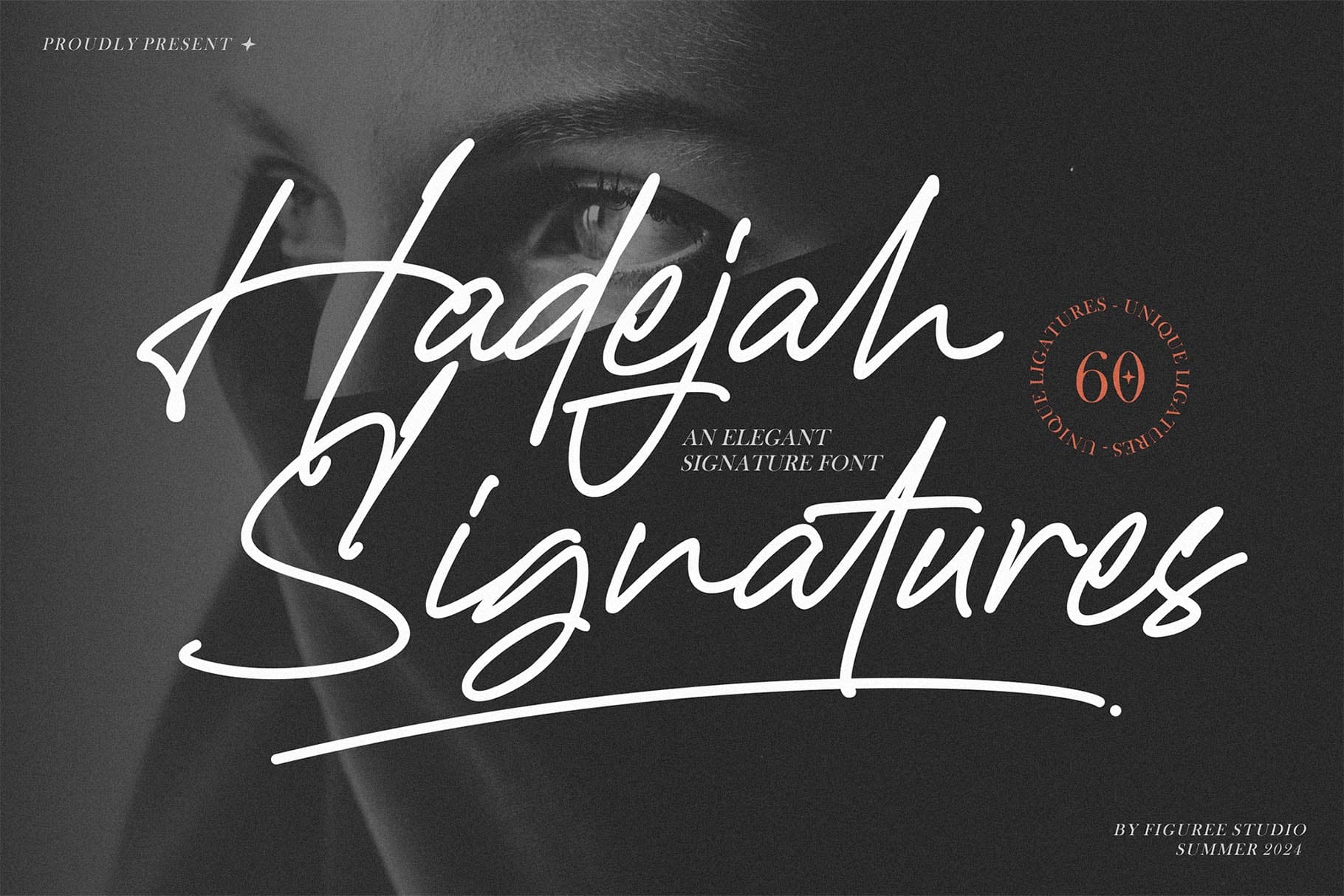
Hadejah – Elegant Signature Font
Kastroz – Luxury Vintage Serif Font

Explore more fonts from the Figuree Studio font catalog to build stronger captions, thumbnails, title cards, and branded video graphics.
Final Thoughts: Raw Footage Is Only the Start
Raw footage is not supposed to be perfect.
It is material. It is clay. It becomes valuable when you shape it with story, rhythm, clarity, sound, and design.
To turn raw footage into viral videos, focus on the viewer’s experience. Give them a reason to stop. Give them a reason to stay. Give them a reason to share.
Cut with purpose. Use captions with care. Let sound support the emotion. Build a visual style that feels consistent.
And when your video needs stronger titles, thumbnails, or branded captions, explore Figuree Studio’s font collection for typefaces that help your content look more intentional, expressive, and ready to share.
Browse our font catalog and find the right type style for your next creator video.