
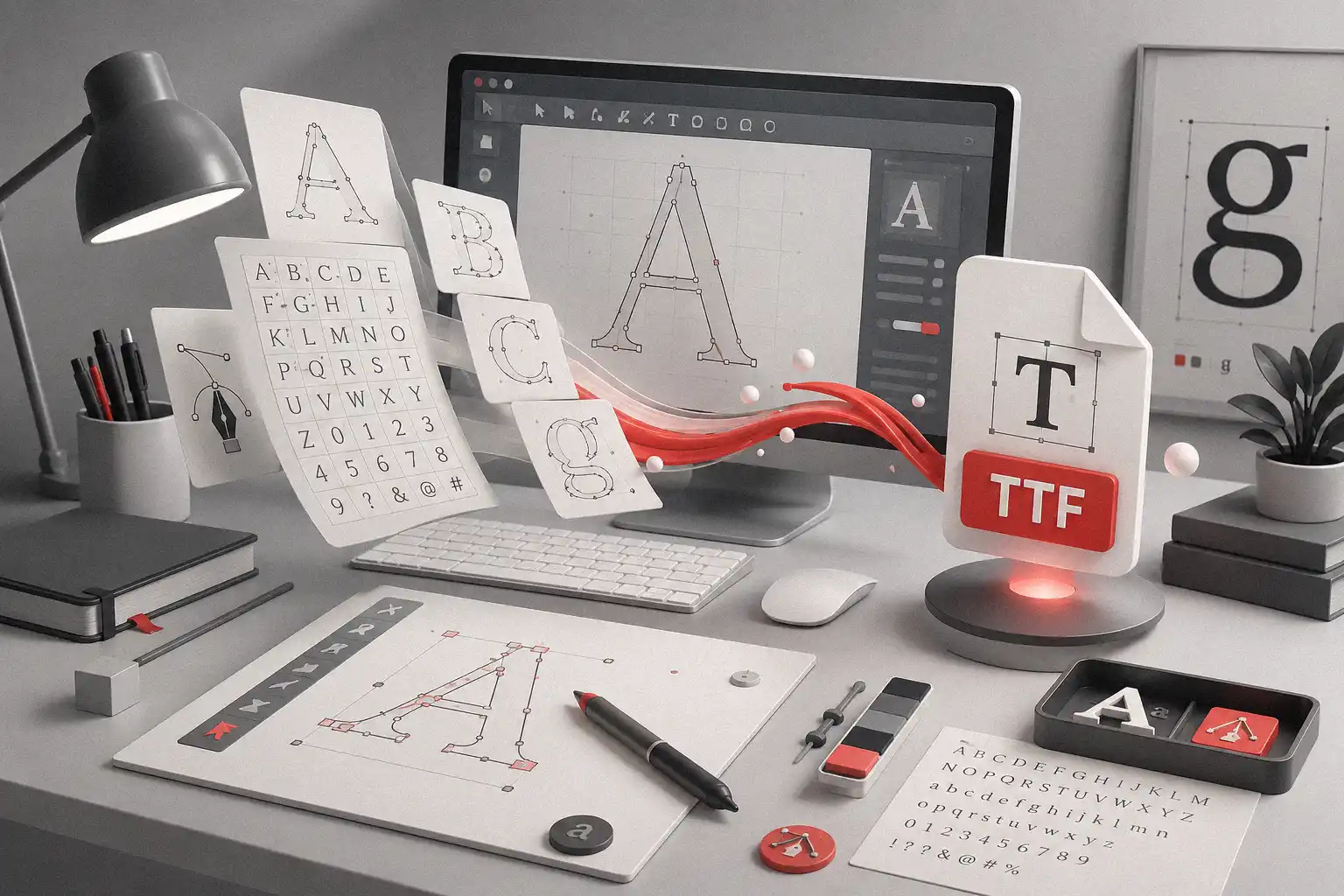
Designing a font often starts with a creative spark, but turning that idea into a usable font file usually requires a more structured font production workflow. A designer may begin by drawing glyphs in vector software, refining the shapes, organizing the characters, and preparing the alphabet as clean SVG font sheets before using Font Sheet Importer, a practical SVG to TTF tool, to create a draft TTF file for further editing.
Table of Contents
That transition from visual drawing to functional font file can become one of the slowest parts of the process. When every glyph needs to be prepared, imported, checked, and refined manually, the workflow can feel repetitive before the real finishing work even begins.
That is why Font Sheet Importer was created by Figuree Studio. It is a free utility that turns exported SVG font sheets into a draft TTF file, so font makers can reduce repetitive glyph importing and continue the production process inside FontCreator.
What Is Font Sheet Importer?
Font Sheet Importer is a free font production tool from Figuree Studio that helps convert structured SVG font sheets into a clean draft TTF file. Instead of importing glyphs one by one from a drawing environment, font makers can prepare a structured SVG sheet, process it through the tool, and use the generated draft font as a starting point for further refinement.
The tool is not designed to replace a complete font editor. It works best as a bridge between the creative drawing stage and the technical font editing stage. This makes it especially useful for designers who prefer to draw letterforms in vector software first, then move those shapes into a more specialized environment for spacing, kerning, naming, validation, and final export.
For independent type designers, this kind of workflow can make a real difference because font creation is not only about drawing beautiful letters. It is also about managing production steps carefully, so the final font behaves properly when designers use it in branding, packaging, merchandise, websites, social media graphics, or editorial layouts.
Why SVG to TTF Workflow Matters
SVG is a comfortable format for many designers because it keeps the creative process visual and flexible. You can build glyph shapes inside a vector app, adjust curves, correct details, and organize your letters before they become part of a working font file.
TTF, on the other hand, is where the typeface begins to behave like an actual font. Once the glyphs become part of a TTF file, the designer can test spacing, check rhythm, refine proportions, and prepare the typeface for real design use.
The challenge is that moving from SVG drawings to a font file can take more effort than expected. A typeface may look ready inside a vector sheet, but it still needs a font production workflow that respects glyph order, mapping, technical structure, and final editing. Font Sheet Importer helps by turning prepared SVG sheets into a draft TTF file, which gives font makers a faster and more organized starting point before the final production stage.
How Font Sheet Importer Works
The basic workflow is simple, but it solves a practical problem. First, you export your glyphs as SVG from your vector app. After that, you use Font Sheet Importer to generate a clean draft TTF file. Once the draft is ready, you open it inside FontCreator and continue with the detailed font production work.
This final stage is still important because a draft font is not the same as a polished release file. FontCreator is a full font editor that supports creating, refining, and exporting OpenType, TrueType, and variable fonts, which makes it a relevant external tool for the finishing part of the workflow.
In a practical production routine, Font Sheet Importer helps with the early assembly stage, while FontCreator handles the deeper editing stage. You still need to refine spacing, review kerning, check composites, adjust naming, validate the font, and export the final files properly. That separation makes the workflow realistic because the importer saves time without pretending to do every job in the font-making process.
For a clearer look at the process, you can also watch the official Font Sheet Importer video tutorial, which walks through how to use the tool in a practical workflow. This is especially helpful if you want to see how SVG font sheets are prepared, imported, and turned into a draft TTF file before continuing the final editing process inside FontCreator.
What This Tool Does Best
Font Sheet Importer is most useful when you already have a structured drawing system. If your glyphs are arranged carefully in SVG sheets, the tool can help turn those sheets into a draft TTF more efficiently. The Figuree Studio tool page explains that it can load structured SVG font sheets exported from CorelDRAW or Affinity Designer, then convert and assemble glyphs into a clean draft TTF file.
This is especially helpful for display font makers, script font creators, lettering artists, and designers who build expressive typefaces from a visual-first process. Many creative fonts begin with hand-drawn movement, bold shapes, playful proportions, or experimental forms, so it makes sense for the first stage to happen in a drawing environment before the typeface moves into technical editing.
For designers who already explore the Figuree font shop, this tool also offers a useful look behind the production mindset of an independent type foundry. Fonts may look expressive and fun on the surface, but they still need structure, testing, and careful production before they become ready for creative use.
What Is Included
Font Sheet Importer includes a Windows installer, a desktop GUI app, a CLI tool, SVG templates, JSON mapping templates, and a quick-start README. These elements make the tool useful for different types of users because some designers prefer a visual desktop interface, while others prefer a terminal-based workflow for repeated production tasks.
The SVG templates and JSON mapping templates are especially important because the quality of the output depends on how cleanly the input is prepared. A tool like this works best when the user follows a structured system, and templates help make that structure easier to understand from the beginning.
The included README also matters because font production can become confusing when a tool expects files to be arranged in a specific way. A quick-start guide helps users understand how the package works, what to prepare, and how to move from an SVG sheet to a draft TTF without guessing every step.
What Font Sheet Importer Is Not
Font Sheet Importer is not a full font editor, and that is an important detail to understand before using it. The tool currently generates draft TTF files only, and the Figuree Studio page lists several limitations, including no OTF export yet, no WOFF or WOFF2 export, no kerning editor, and no complete font editing environment.
This does not make the tool less useful. It simply defines its role clearly. Font Sheet Importer helps you move faster into the draft stage, while a dedicated font editor is still needed to complete the professional finishing process.
A good font still needs spacing discipline, kerning review, naming consistency, character testing, technical validation, and export preparation. When you understand that division, the tool becomes easier to appreciate because it focuses on one specific production problem and solves that problem without overpromising.
A Practical Tool for Independent Font Makers
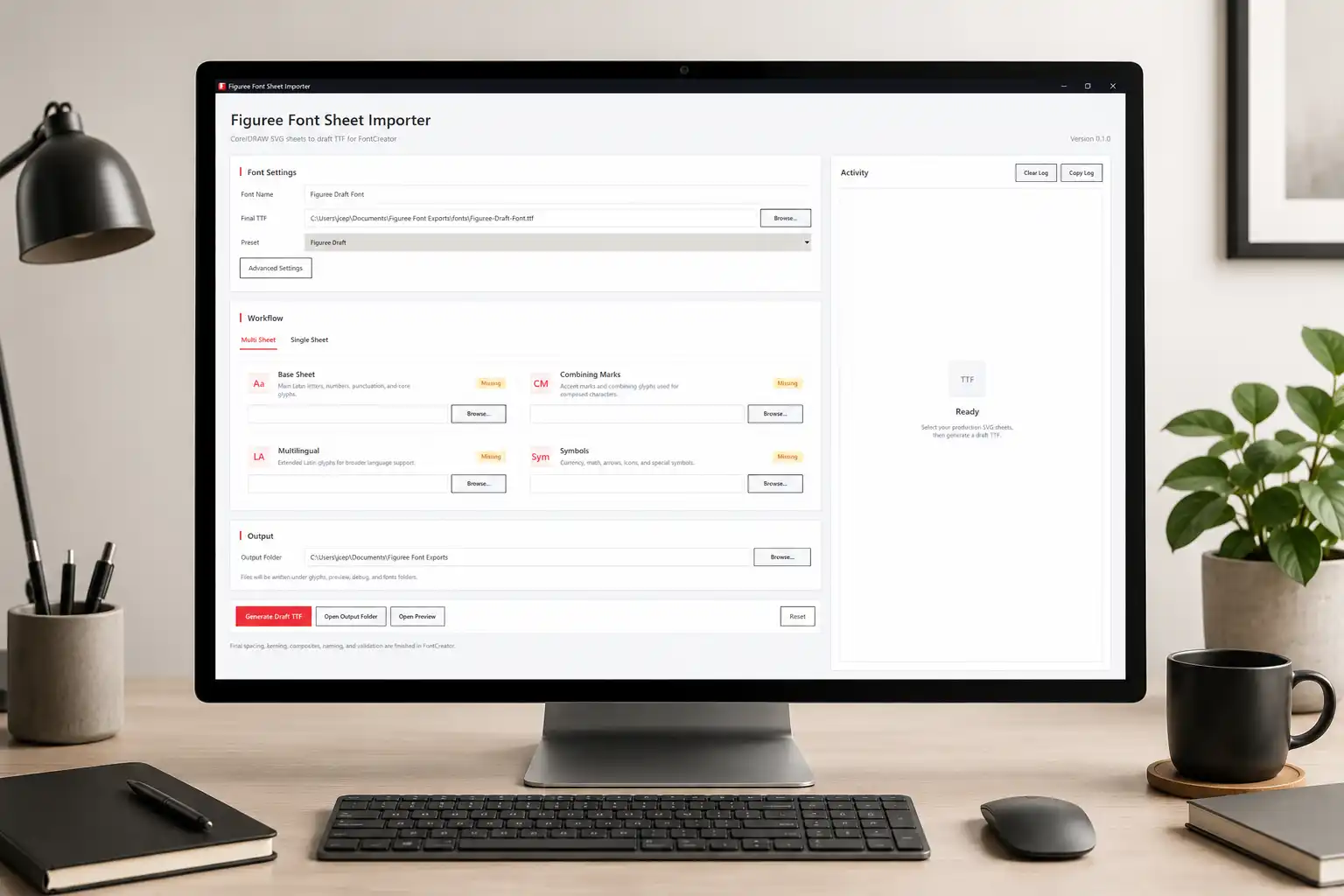
Independent font makers often manage many parts of the creative business by themselves. They draw, test, export, write product copy, prepare previews, manage licenses, publish products, and promote their work across different platforms. Because of that, any tool that reduces repetitive production friction can help protect creative energy.
Font Sheet Importer fits that need because it supports the part of the workflow where many designers lose time: moving prepared glyph artwork into a working draft font. It helps the designer reach the testing and refinement stage faster, which means more energy can go into the parts of the typeface that actually require judgment.
This practical mindset also connects well with other Figuree tools. If you are preparing product visuals, mockups, or design assets after building a font, you can also explore Figuree Image Tool Studio as another creative utility from Figuree Studio. Together, these tools support a more complete workflow around font production, visual presentation, and creative output.
From Our Desk
At Figuree Studio, we believe font tools should support the way designers actually create. Many typefaces do not begin inside a font editor; they begin as sketches, vector drawings, visual experiments, or lettering studies that slowly become more structured over time.
Font Sheet Importer respects that process because it lets the drawing stage stay visual while helping the production stage become more organized. It gives font makers a faster way to turn SVG sheets into a draft TTF, then leaves the serious finishing work to a dedicated font editor.
That balance feels right for an independent type foundry because font making should be creative, but it should also be practical enough to support real design work.
Final Thoughts
Font Sheet Importer is a powerful SVG to TTF tool for font makers who want a cleaner and faster starting point for font production. It is not a replacement for FontCreator or any complete font editor, but it can help reduce repetitive importing and make the early draft stage feel more manageable.
If you draw glyphs in vector software and need a better way to move from SVG sheets into draft font files, this tool is worth exploring. It gives you a clearer bridge between creative drawing and technical finishing, which can make the entire type design process feel more focused.
You can try Font Sheet Importer for free, explore more creative assets in the Figuree font shop, and grab useful resources from Figuree freebies to support your next design project.