
The best product design tools are not just the ones with the most features. They are the tools that help you think clearly, design faster, collaborate better, and turn rough ideas into apps or websites that feel useful, polished, and ready for real people.
Table of Contents
- Why Product Design Tools Matter
- 1. Figma: Best for UI Design, Prototyping, and Collaboration
- Design Better Apps: Fonts That Transform Web & Mobile UX
- 2. UX Pilot AI: Best for Fast Wireframes and Early Product Ideas
- 3. Miro: Best for Product Mapping and Design Thinking
- 4. Lovable: Best for Turning Ideas into Working Web Apps
- SaaS Branding Simplified: Fonts That Make Your Tech Startup Look Future-Ready
- 5. Bolt: Best for AI App Building with More Technical Flexibility
- 6. Webflow: Best for Beautiful Websites That Can Actually Launch
- 7. Canva AI: Best for Product Marketing Assets
- How to Write Better AI Image Prompts for Stunning Designs
- Do Not Forget Typography in Product Design
- Keanon – Modern Expanded Font
- Bolde – Powerful Sans Serif
- Dravonik – Bold Display Sans Serif
- From Our Desk
- A Practical Product Design Workflow
- Fonts to Explore from Figuree Studio
- Neutora – Bold Futuristic Font
- Neobique – Modern Display Serif
- Final Thoughts
Product design has changed a lot over the last few years. Designers are no longer only responsible for making screens look good. Many are now involved in research, user flows, wireframes, design systems, prototypes, landing pages, brand visuals, and even early product validation. Because of that, the tools you choose can shape the entire creative process, from the first messy idea to the final digital experience.
A good product design workflow should help you move with structure. It should make the early stage less confusing, the visual stage more consistent, and the handoff or launch stage more practical. Whether you are designing a mobile app, SaaS dashboard, e-commerce website, portfolio, or startup landing page, the right tool can save time and make your work feel more intentional.
Below are some of the best product design tools to consider if you want to create beautiful apps and websites with a smoother, smarter, and more flexible workflow.
Why Product Design Tools Matter
Product design tools matter because modern digital products are built through many connected decisions. A button is not just a button. It has a role in the user journey, a visual style, a state, a hierarchy, and a place inside the larger design system. A landing page is not just a collection of sections. It needs a story, a structure, a visual rhythm, and a clear reason for people to take action.
Without the right tools, the process can quickly feel scattered. You may keep research in one place, wireframes in another, UI files somewhere else, and feedback buried inside messages. That kind of workflow slows down decision-making and makes it harder to explain your design direction to clients, developers, or stakeholders.
Good tools bring the process together. They help you map ideas, test flows, design interfaces, build prototypes, organize brand assets, and prepare your work for development or launch. They do not replace creative thinking, but they make creative thinking easier to manage.
1. Figma: Best for UI Design, Prototyping, and Collaboration

Figma remains one of the strongest product design tools for designers who create apps, websites, dashboards, and digital systems. It works well because it gives you a shared workspace for interface design, wireframing, prototyping, design systems, and team feedback.
For many designers, Figma becomes the main home of a product design project. You can begin with low-fidelity wireframes, then gradually refine the same file into high-fidelity screens with colors, typography, components, layout grids, and interactive prototypes. This makes the workflow feel more connected because your early thinking and final UI do not have to live in completely separate places.
Figma is also powerful for collaboration. Clients can leave comments directly on the design, developers can inspect layout details, and design teams can build reusable components that keep the product consistent over time. If you are designing a website or app with multiple screens, this consistency matters a lot.
You can also explore Figma Design if you want to look deeper into its core design features. For designers who work with UI systems, responsive layouts, and interactive product experiences, Figma is still one of the most reliable tools to learn.
2. UX Pilot AI: Best for Fast Wireframes and Early Product Ideas

UX Pilot AI is useful when you need to move quickly from an idea to a visual structure. Instead of staring at a blank canvas, you can use AI to explore wireframes, app screens, user flows, and early interface directions.
This kind of tool is especially helpful during the messy beginning of a project. A client may come with a product idea but no clear screen structure. A founder may know the app concept but not know how onboarding, dashboard, search, or checkout should work. In moments like that, AI-assisted wireframing can help you create a starting point faster.
The important thing is to treat AI output as a draft, not a final design. UX Pilot AI can help you generate direction, but the designer still needs to refine hierarchy, spacing, typography, visual tone, and usability. A generated wireframe may solve the blank page problem, but it still needs a human eye to turn it into a thoughtful product experience.
Used well, UX Pilot AI can become a strong exploration partner. It helps you move faster in the early stage, test multiple ideas, and bring more structure into product conversations before spending too much time on polished UI.
3. Miro: Best for Product Mapping and Design Thinking

Miro is not mainly a UI design tool, but it plays an important role in product design because great interfaces usually start before the visual stage. Before you design the screen, you need to understand the problem, the user journey, the main features, and the product logic.
This is where Miro becomes useful. You can use it for user journey maps, feature prioritization, brainstorming, workshop boards, research notes, sitemap planning, and product strategy sessions. It gives teams and clients a shared visual space to organize ideas before the project moves into detailed interface design.
For freelancers, Miro can also make the design process feel more professional. Instead of jumping straight into visuals, you can show clients how you think. You can map the product structure, group ideas, highlight user pain points, and clarify the path before designing the actual screens.
This kind of early thinking often saves time later. When the structure is clear, the UI stage becomes smoother because you are no longer guessing what the product needs to do. You are designing from a stronger foundation.
4. Lovable: Best for Turning Ideas into Working Web Apps

Lovable is a good option for designers, founders, and product teams who want to move from idea to working product faster. It fits into the growing category of AI-powered app builders, where prompts and existing design direction can help generate usable web app experiences.
This is useful because many product ideas need more than a static mockup. A clickable prototype can explain the flow, but a working demo can make the idea feel more real. If you are presenting to a client, testing an MVP, or exploring a SaaS concept, a tool like Lovable can help you bring the product closer to life.
Lovable can be especially helpful for early-stage products, internal tools, startup demos, and simple web apps. It gives designers a way to experiment with product functionality without always needing to begin with a full development process.
Still, the best results come from strong direction. If your layout, user flow, brand tone, and typography are unclear, an AI builder can easily produce something generic. Use Lovable after you have a clear product concept, then refine the result so it feels intentional rather than automatically generated.
5. Bolt: Best for AI App Building with More Technical Flexibility

Bolt is another product design tool worth exploring if you want to turn ideas into websites, apps, and prototypes with AI support. It is useful for designers who want to go beyond static screens and experiment with working digital products.
One of the biggest advantages of Bolt is that it gives more room for technical control. Designers who are comfortable with code can inspect and adjust the product more deeply, while non-technical users can still use prompts to build and revise ideas. This makes it flexible for solo founders, creative technologists, product designers, and freelance designers who want to create interactive demos.
Bolt can fit well after the design direction is already formed. For example, you might map the concept in Miro, design the main screens in Figma, then use Bolt to explore a more functional prototype. This workflow helps you present not only how the product looks, but also how it might behave.
For client work, this can be powerful because many clients understand products better when they can click, test, and experience something close to a real interface. A working prototype can make your design presentation feel more convincing.
6. Webflow: Best for Beautiful Websites That Can Actually Launch

Webflow is one of the best tools for designers who want to create websites that look polished and can go live without a traditional development workflow. It is especially useful for landing pages, SaaS websites, portfolios, brand websites, campaign pages, and content-driven sites.
The strength of Webflow is that it gives designers visual control while still producing real websites. You can design layouts, manage responsive behavior, build CMS collections, adjust interactions, and publish the final site from the same platform. For freelancers and studios, this can be a valuable business skill because clients often need more than a static design file. They need a website they can use, update, and launch.
Webflow does have a learning curve. To use it well, you need to understand sections, containers, classes, grids, responsiveness, CMS structure, and basic web behavior. But once you understand the logic, Webflow becomes a powerful bridge between design and launch.
You can also explore Webflow AI Site Builder if you want to experiment with AI-assisted website creation. It can help speed up the first version of a site, but the final quality still depends on your layout decisions, brand direction, and content strategy.
7. Canva AI: Best for Product Marketing Assets

Canva AI is not the main tool for serious product UI design, but it can be very helpful for the marketing side of a digital product. After you finish designing an app, website, or landing page, you still need visual content to promote it.
This is where Canva AI can support the workflow. You can use it for launch graphics, social media posts, product update visuals, pitch decks, thumbnails, presentation slides, and campaign assets. For small teams, freelancers, and founders, this can save a lot of time because not every marketing asset needs to be built from scratch in a heavy design tool.
The key is to avoid relying too much on generic templates. Canva is fast, but speed can make your brand look similar to everyone else if you do not customize the design. Adjust the typeface, color palette, spacing, image style, and layout rhythm so the final assets still feel connected to your product identity.
Used with care, Canva AI can become a practical production tool. It helps you create supporting visuals quickly while your main product design stays rooted in stronger tools like Figma, Webflow, or your chosen design system.
Do Not Forget Typography in Product Design
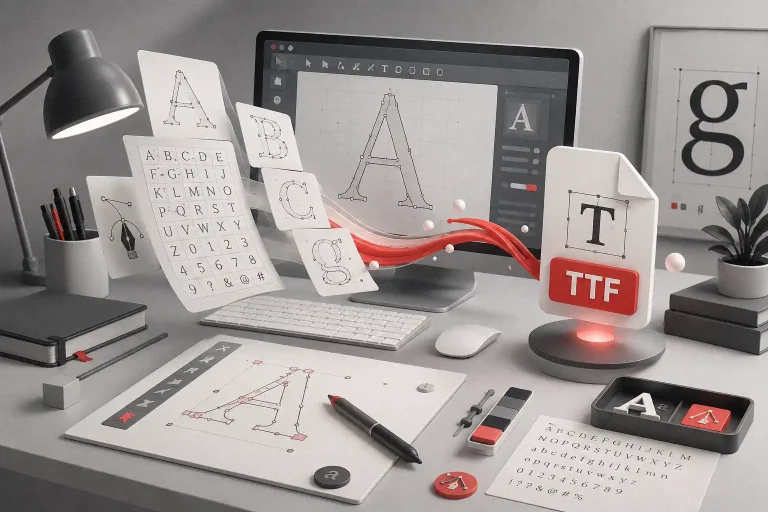
Many product design tools focus on structure, speed, collaboration, and AI generation. Those things matter, but typography still plays a major role in how users experience an app or website.
Typography affects readability, hierarchy, trust, and brand personality. A website with weak typography can feel unfinished even if the layout is clean. An app with poor text hierarchy can feel confusing even if the features are useful. The font choices, type scale, line height, spacing, and headline treatment all shape how people read and feel the product.
For interface text, choose fonts that are clear and comfortable to read. For hero sections, campaign visuals, product pages, and brand moments, you can use more expressive typefaces to create personality. This balance helps your design stay usable without becoming visually boring.
Product design is not only about making something work. It is also about making something feel right. Typography is one of the fastest ways to give a digital product a more intentional voice.
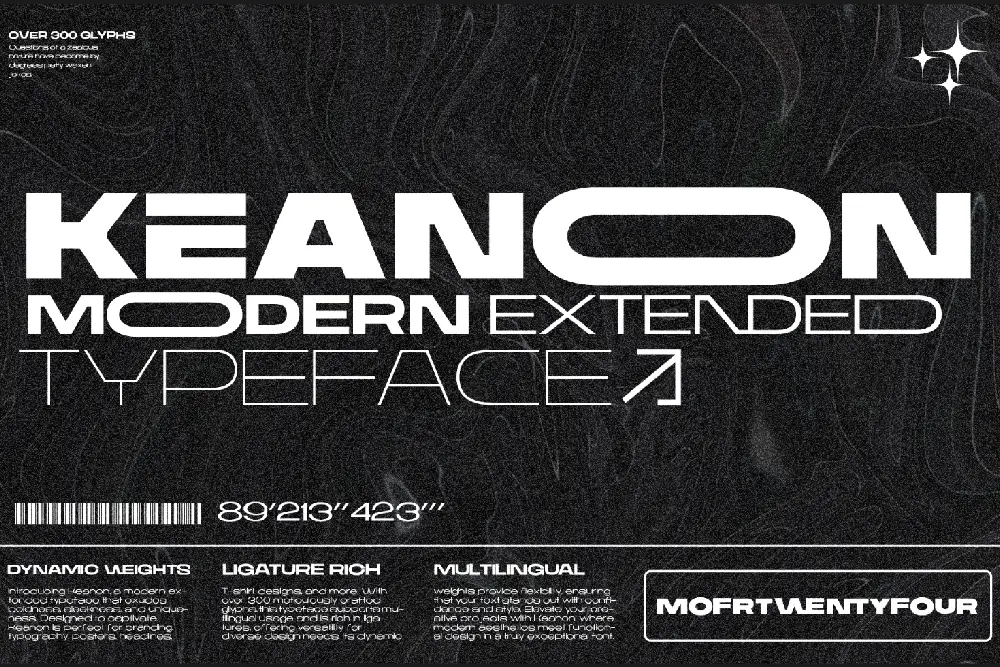
Keanon – Modern Expanded Font
Bolde – Powerful Sans Serif

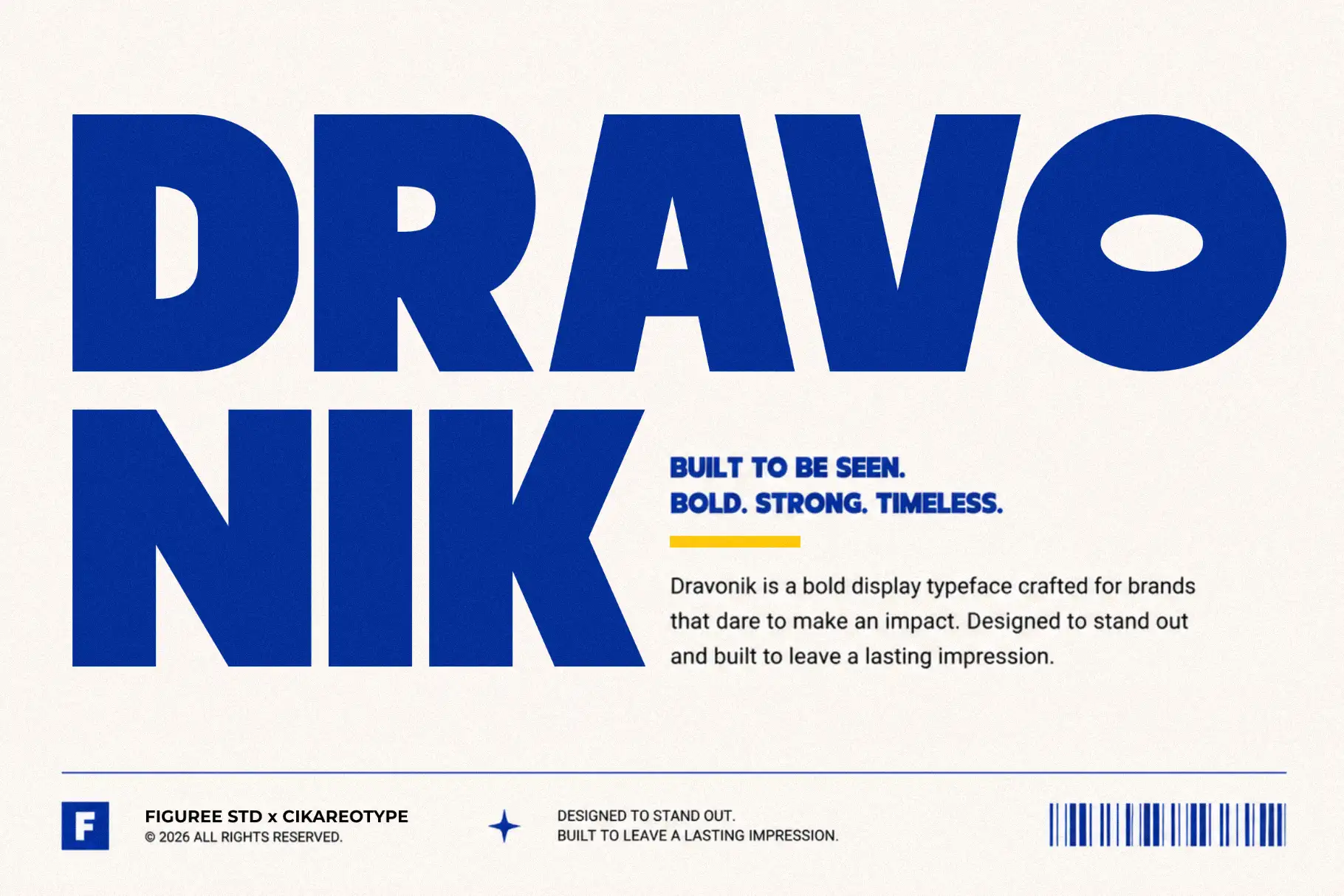
Dravonik – Bold Display Sans Serif
From Our Desk
At Figuree Studio, we see tools as creative amplifiers, not replacements for taste. A product design tool can help you move faster, generate ideas, organize feedback, and build more efficiently, but the final quality still depends on the choices you make as a designer.
Figuree Studio is an independent type foundry creating fonts for designers, brands, creators, and digital businesses. The studio’s direction is practical, premium, editorial, and focused on real design use, which makes typography an important part of how we think about branding and digital products.
AI can help you start faster. Collaboration tools can help you work cleaner. Website builders can help you launch sooner. But your eye still decides whether the design feels balanced, clear, and memorable.
That is why product design tools work best when they are paired with strong creative judgment. Tools help you build the product. Taste helps you shape the experience.
A Practical Product Design Workflow
A simple product design workflow can start with Miro for thinking and planning, then move into UX Pilot AI for quick wireframe exploration. After that, Figma can become the main space for refining the interface, building components, and creating prototypes. If you need a working demo, Lovable or Bolt can help you turn the idea into something more interactive. If the project is a website, Webflow can help you move from design direction to live experience. Finally, Canva AI can support the launch with social graphics, pitch decks, and marketing visuals.
This does not mean every project needs every tool. A simple portfolio website may only need Figma, Webflow, and a strong font direction. A SaaS MVP may need Miro, Figma, Bolt, and Canva. A brand landing page may need Webflow, good copywriting, and a clear typography system.
The goal is not to collect as many tools as possible. The goal is to build a workflow that helps you create better products with less confusion.
Fonts to Explore from Figuree Studio
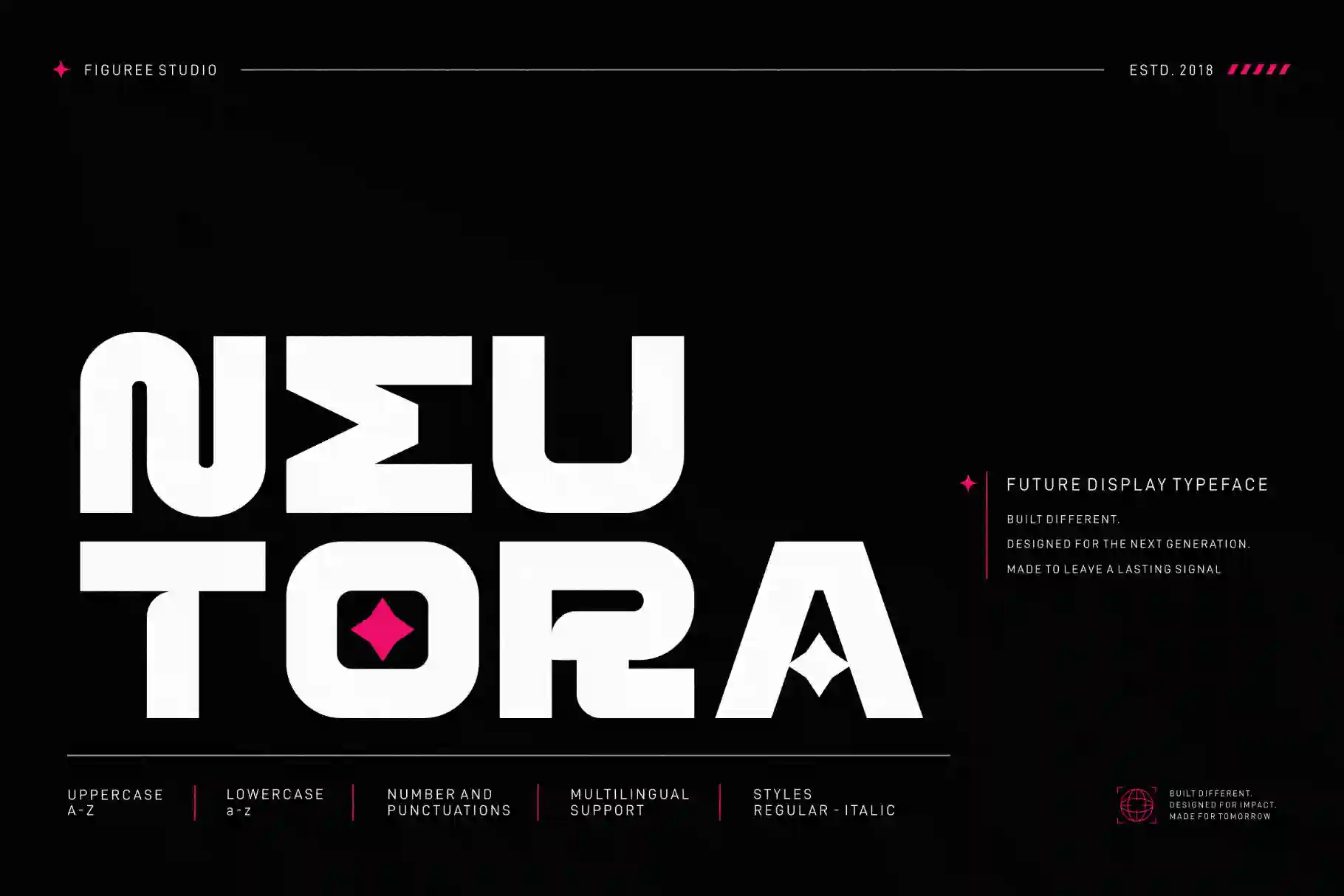
If you are designing apps, websites, SaaS brands, or digital product visuals, typography can help make the product feel more distinctive. For clean digital branding, Keanon can work well as a modern sans serif for headlines, logos, and interface-related visuals. For stronger brand presence, Neutora offers a powerful sans serif personality with modern touches. For tech-driven products, Exoflash brings a futuristic logo style that fits future-ready branding. If your website needs a more premium editorial tone, Neobique can add a refined display serif personality to hero sections or brand moments.
Use expressive fonts carefully in product design. They are usually strongest in headlines, landing page sections, social graphics, or campaign visuals, while body text and interface labels should stay clean and readable.
Neutora – Bold Futuristic Font
Neobique – Modern Display Serif

Final Thoughts
The best product design tools are the ones that help you move from idea to launch with more clarity. Figma is excellent for UI design and collaboration. UX Pilot AI helps speed up early wireframe exploration. Miro supports product thinking before the visual stage. Lovable and Bolt help turn concepts into working prototypes. Webflow is powerful for websites that need to launch. Canva AI supports the marketing assets that help your product reach more people.
Still, tools alone will not make an app or website beautiful. A strong product needs clear structure, thoughtful hierarchy, readable typography, consistent branding, and a visual direction that feels right for the audience.
If you are building an app, website, SaaS brand, or digital product that needs a stronger visual voice, start with the right typeface. Explore the Figuree Studio font collection to find expressive, practical, and brand-ready fonts for real design projects. You can also visit Figuree Studio Tools for helpful creative resources, or grab the latest Figuree Studio freebies to support your next design workflow.