
If you’re a designer, freelancer, or content creator, your mind is a goldmine—and a battlefield. Ideas spark at 2AM, tasks pile up during meetings, and client notes get buried in random folders. The truth? Our brains weren’t built to remember everything—we were built to think.
That’s why the “Second Brain” method is transforming the way creatives organize knowledge and unlock productivity. In this guide, we’ll show you exactly how to build a second brain system that actually works, especially if you’re juggling multiple creative projects.
Also Read: Designing a Life You Love: Creative Freelancer’s Roadmap
A Second Brain is a digital system that captures, organizes, and retrieves your thoughts, inspirations, and knowledge—so your real brain can focus on thinking, not remembering.


This method, popularized by Tiago Forte, isn’t about productivity hacks—it’s about creating clarity and creative freedom.
“Your mind is for having ideas, not holding them.” — David Allen
For creatives, a second brain becomes your personal assistant: it remembers client briefs, collects reference designs, stores course notes, and even reminds you what font combo you loved last year.
Also Read: The Perfect Morning Ritual to Unlock Creative Focus
Let’s break it down into clear, actionable phases—especially tailored for designers, writers, and digital makers.
You don’t need 20 apps. You need one system.
👉 Pro Tip: Don’t fall into the “tool trap.” Choose one platform and commit.
📌 Recommended Read from trusted source:
The Complete Beginner’s Guide to Notion by WebDesignerDepot – A great resource to get started with one of the most powerful second brain tools.
Also Read: Sell AI Art Like a Pro: Top 10 Proven Platforms
Tiago Forte’s PARA method is at the heart of every strong second brain:
Designers can store client decks under “Projects,” brand assets under “Areas,” font inspirations under “Resources,” and old proposal files in “Archives.”
Also Read: Fonts That Make Your Digital Planners Look Stunning
A Second Brain isn’t just a storage unit. It’s a retrieval machine. Here’s how to optimize it:
#typography, #clientXYZ, #idea-bankThe goal? You find exactly what you need in under 10 seconds—even if you wrote it a year ago.
When our team at Figuree Studio began building a shared second brain, things changed fast. Our sketch-to-font workflow—previously scattered across folders, screenshots, and group chats—became crystal clear.
Here’s what worked for us:
And yes, we use our own fonts to label sections (gotta stay on brand).
“You can’t use up creativity. The more you use, the more you have.” — Maya Angelou
Want to make your second brain feel like a creative home? Start with fonts that energize and clarify.
🎯 Grab our font catalog or explore our freebies
💼 Need a custom or corporate license? Contact us here


Even smart creatives fall into these traps:
Also Read: Unlock The Quiet Power of Consistency to Dominate Your Freelance Career
You don’t have to hold everything in your head. You were meant to create, explore, and evolve—not spend hours looking for that one client feedback screenshot from 3 months ago.
By learning how to build a second brain system that actually works, you’re reclaiming mental space, nurturing your creativity, and building resilience in a digital world.
Don’t let chaos stall your creative growth.
📦 Browse our font catalog
🎁 Download our freebies
💼 Get custom licensing
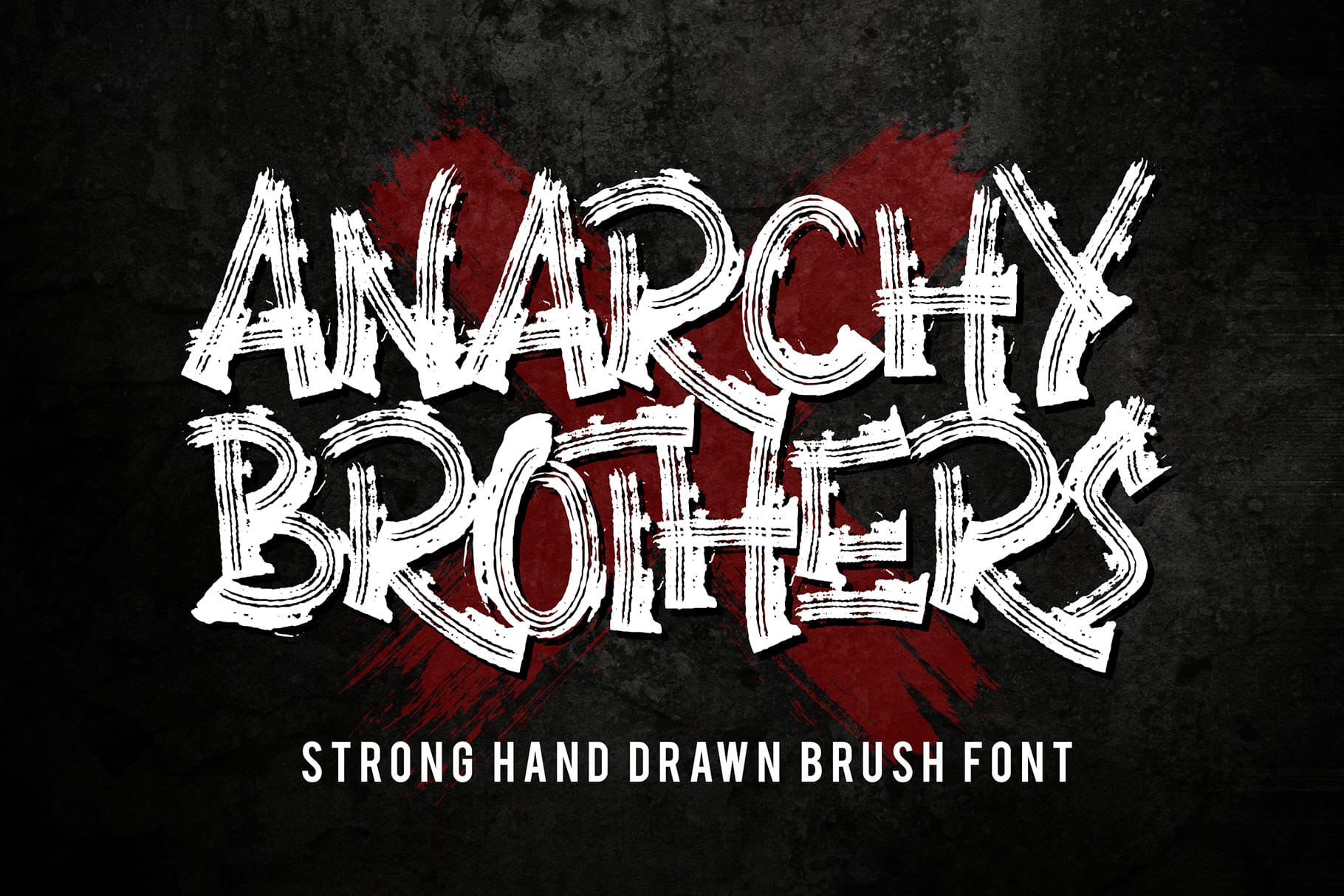 Anarchy Brothers - Strong Brush Font
Price range: $21 through $1,299
Anarchy Brothers - Strong Brush Font
Price range: $21 through $1,299 Urban Clash – Layered Graffiti Font
Price range: $21 through $1,299
Urban Clash – Layered Graffiti Font
Price range: $21 through $1,299 Future Soldier - Stencil Display Font
Price range: $0 through $1,299
Future Soldier - Stencil Display Font
Price range: $0 through $1,299
Elevate your projects with premium freebies. Fonts, graphics, and templates handpicked for creators like you — download them all today, free forever.
Download Freebies
